

Team workflows
Czytaj po polskuAI agents for team workflows - tasks, results and approval
A team needs a result and a clear status. In Braio, you delegate a task to an agent, provide the necessary context and review the output and decisions that need human involvement.
An agent's capabilities depend on its tools, configuration, permissions and workspace plan. Messaging integrations require separate setup.
Content reviewed: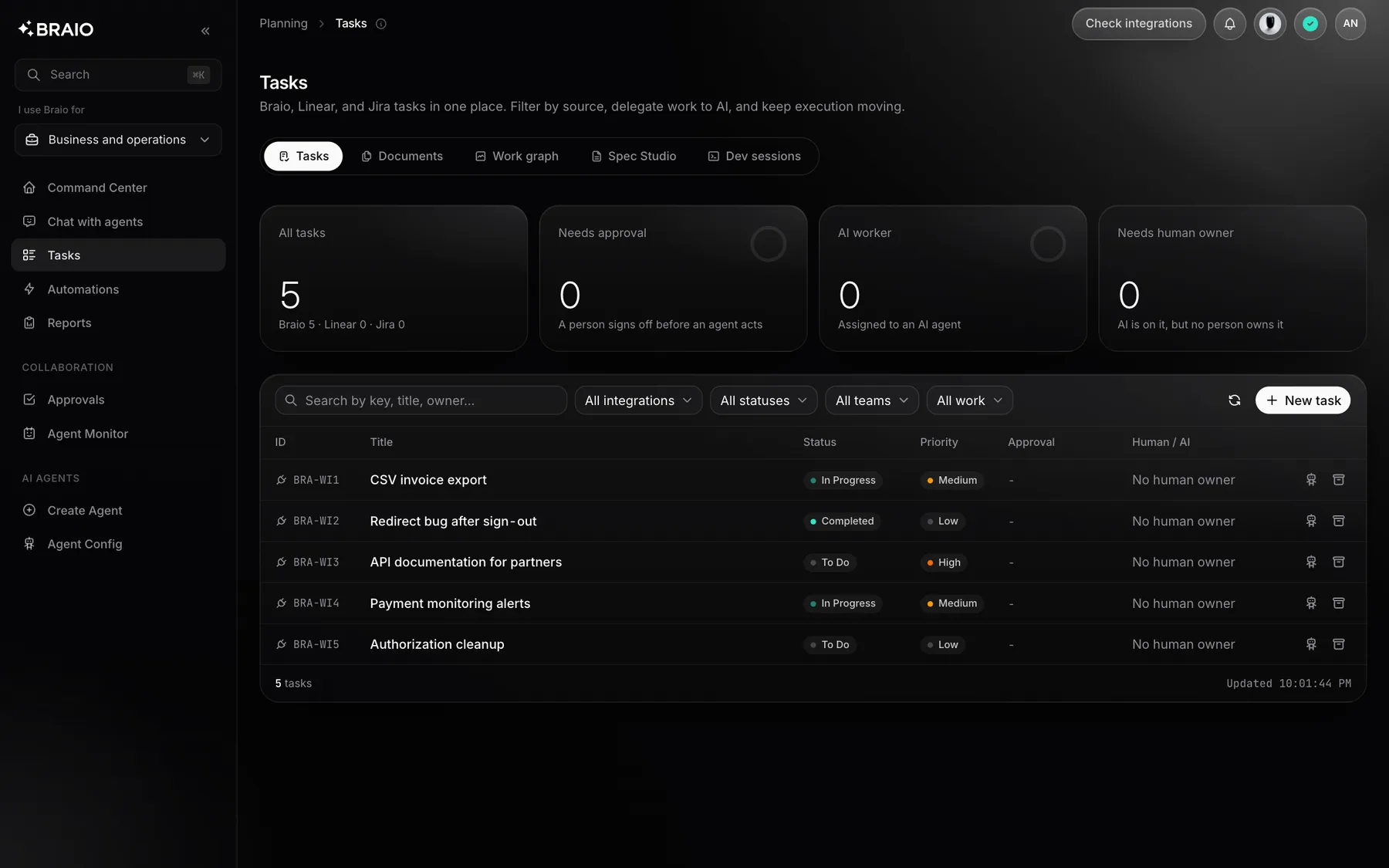
Start with a specific task
A useful brief defines the result, sources, deadline and limits. For example: analyse the selected material, prepare a report and submit it for review. This is an instructional example, not a run result.
- 01Choose one task and the appropriate agent.
- 02Agree on the required sources and permissions instead of sharing everything.
- 03Define acceptance criteria and the decisions a person must make.
From a conversation to a result
A conversation clarifies scope. A task tracks execution. An artifact - such as a report, document or PR - gives the team something to review and use. The available output depends on the agent and integration.
Slack and Microsoft Teams can be entry points for work; they do not replace access configuration. Connect and test each channel separately.
Access, costs and approvals
Workspace roles and policies determine who can use features and tools. Approval and cost rules depend on the operation's configuration. Before running a workflow, agree on permitted actions and who reviews the result.
- Grant access only to the necessary sources and tools.
- Check cost and approval rules for the selected operation.
- Keep a person responsible for reviewing the output and sensitive actions.
When it fits
A repeatable task with a clear starting point and result is the best place to assess fit. If a process has no quality criteria or needs an unsupported integration, define its scope first. An agent does not guarantee every decision is correct and does not replace the process owner.
Questions and answers
- Can every agent access all company data?
- Do not assume so. Access depends on roles, shared sources, integrations and workspace configuration. Test permissions on the actual workflow before rollout.
- Can I delegate from Slack or Teams?
- These channels need setup and the appropriate administrator permissions. Integration pages explain preparation; they do not claim that a public marketplace listing is already available.
Related topics
- An AI Delivery Workflow for Software Agencies: Client Request to Reviewed Result
- Human Approval for AI Agents: What to Approve Before a Tool Changes Data
- Build an AI Workflow or Buy an AI Teammate? A Maintenance Cost Checklist
- A Seven-Day Pilot Plan for an AI Coworker in a Software Team
- How to Write a Bug Brief an AI Coding Agent Can Act On
- Seats, Credits, Tokens or Completed Work? How to Read AI Agent Pricing
- AI agent in Slack - delegate team work
- AI agents in Microsoft Teams - integration requirements
- AI web application testing - from scenario to retest
- Braio - costs, limits and billing principles